Resume Behavior by Test Type
| Test Type | Resume Behavior | Details |
|---|---|---|
| Socratease Quiz | Always resumes | Loads previous responses automatically; candidates must complete the existing attempt before starting a new one |
| Microsoft Forms | Never resumes | Creates a new attempt each time due to platform limitations |
| Google Forms | Configurable | Controlled by the Enable Auto Resume toggle and Google Forms autosave setting |
| IFrame Tests | Configurable | Controlled by the Enable Auto Resume toggle |
Configuring the Resume Feature
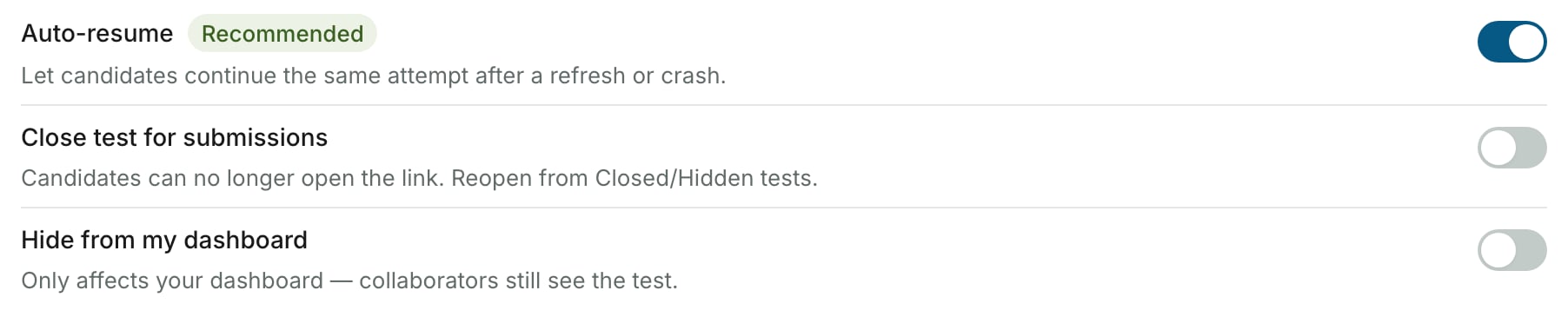
For Google Forms and IFrame tests, you control resume behavior through the Enable Auto Resume toggle in your test settings.Open test settings
Navigate to your test on the AutoProctor dashboard and click Settings.
For Google Forms, you must also keep the Save Draft (autosave) setting enabled in Google Forms itself for resume to work properly. See Resuming Google Forms Tests for detailed configuration.
How Resumption Works
When a candidate returns to the test after disconnecting:- If resume is enabled: AutoProctor reopens the previous attempt. For Socratease quizzes, prior responses are restored automatically. For IFrame and Google Forms tests, whether responses are preserved depends on the external quiz platform’s own save/autosave behavior.
- If resume is disabled: AutoProctor creates a new, blank attempt. The incomplete attempt still appears in your results.
How Timers Interact with Resumption
If you have timer settings configured, they affect how resumption works.Test Duration
The remaining time from the original attempt carries over. For example, if a candidate starts a 60-minute test at 10:00 AM and disconnects at 10:30 AM, resuming at 10:50 AM gives them only 10 minutes remaining. Once the full duration expires (11:00 AM), the test can no longer be resumed.Cannot Start Before / Cannot Start After
These constraints apply to the original start time, not the reconnection time. A candidate who started before the deadline can still resume after it, as long as the test duration has not expired.Must Submit By
This deadline is strictly enforced at reconnection time. If the Must Submit By deadline has passed before the candidate tries to resume, the test does not load — even if the candidate originally started before the deadline.Related Resources
- Resuming Google Forms Tests — Detailed Google Forms resume configuration
- Maximum Attempts — How attempt limits interact with resumption
- Unsubmitted Tests — View details of tests started but not submitted
- Timer Settings — Configure test duration, deadlines, and time windows
- Best Practices for Test Creators — Tips for smooth test administration