

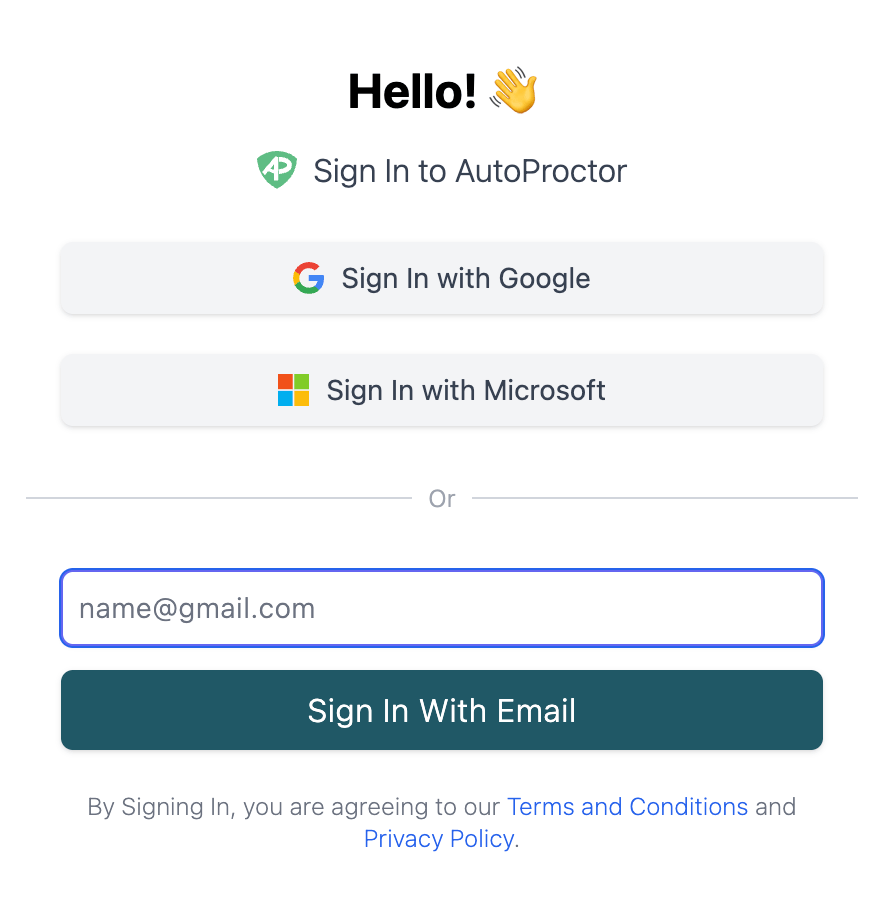
AutoProctor login screen
Available Login Methods
AutoProctor offers three sign-in options for candidates:- Sign in with Google: uses the candidate’s Google account
- Sign in with Microsoft: uses the candidate’s Microsoft account
- Sign in with Email: the candidate enters their email address directly (no third-party account required)
Login Methods by Quiz Provider
The available sign-in methods depend on which quiz provider you use:Google Forms tests require Google sign-in because AutoProctor needs to pass the candidate’s Google identity to the form. The same applies to Microsoft Forms with Microsoft sign-in. Socratease and IFrame tests have no such restriction, so all three login methods are available.
To restrict which candidates can log in to your test, see Restricting by Email. You can limit access to specific email addresses or email domains.
Related Resources
- How to Logout - Switch between accounts
- Restricting by Email - Limit who can access your test
- Restricting to Some Users - Control test access for specific users
- Inviting Candidates via Email - Send test invitations directly
- Instructions Page for Candidates - What candidates see before starting a test
- Contact Us - Reach out if you need further help