

Non-Socratease Quizzes (Google Forms, Microsoft Forms, etc.)
When AutoProctor embeds external forms, you must submit twice because privacy restrictions prevent external platforms from notifying AutoProctor when a submission occurs:1
Click the purple submit button first
Click the purple submit button at the bottom of the form to save your quiz answers to the quiz provider (Google Forms, Microsoft Forms, etc.).
2
Click the green submit button second
Click the green submit button at the top of the page to submit the proctoring or timed session to AutoProctor.
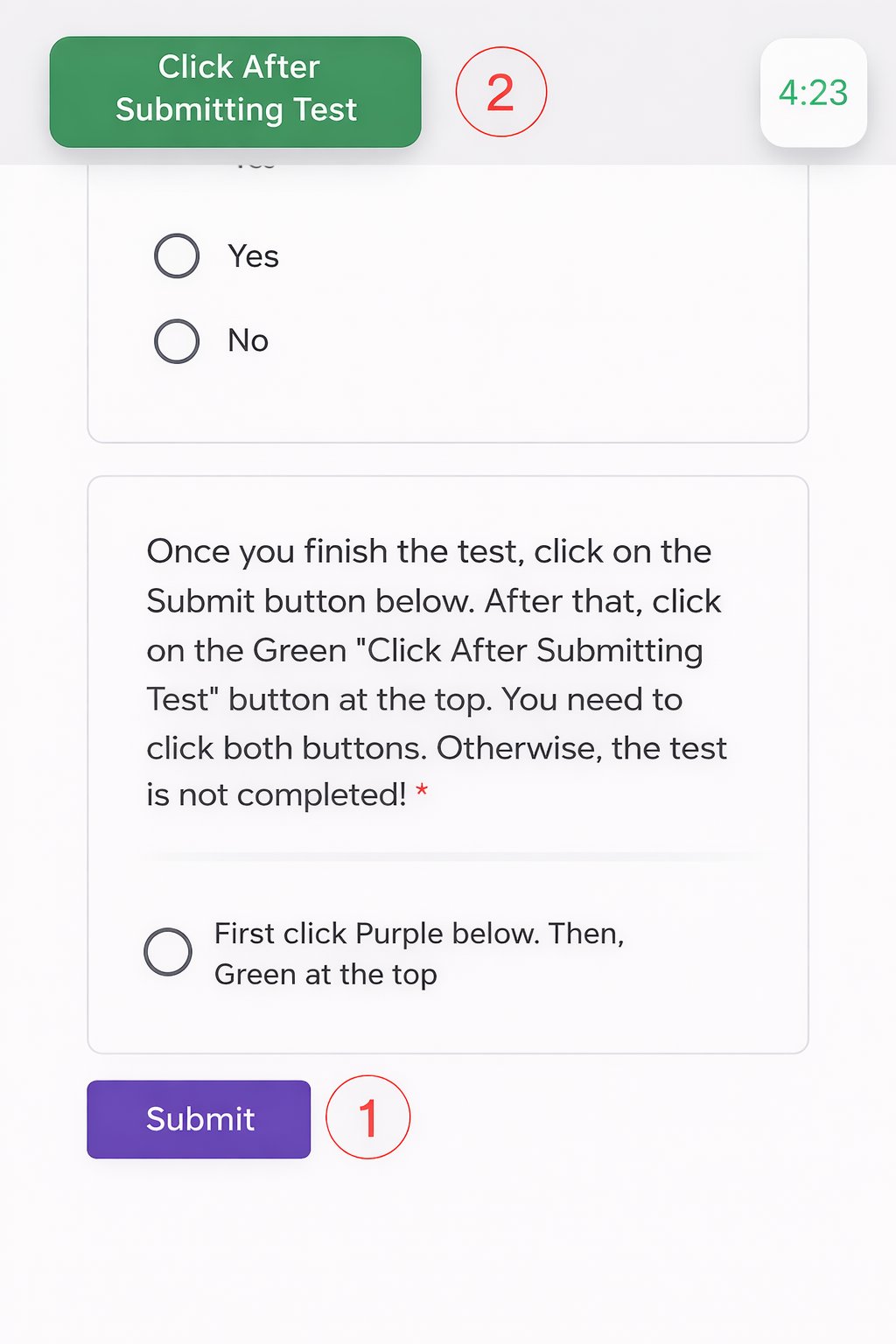
Other platforms: dual submit buttons
Socratease Quizzes
Socratease quizzes use a single submit button. One click submits both your answers and the proctoring session, so there is no confusion and no risk of answer loss.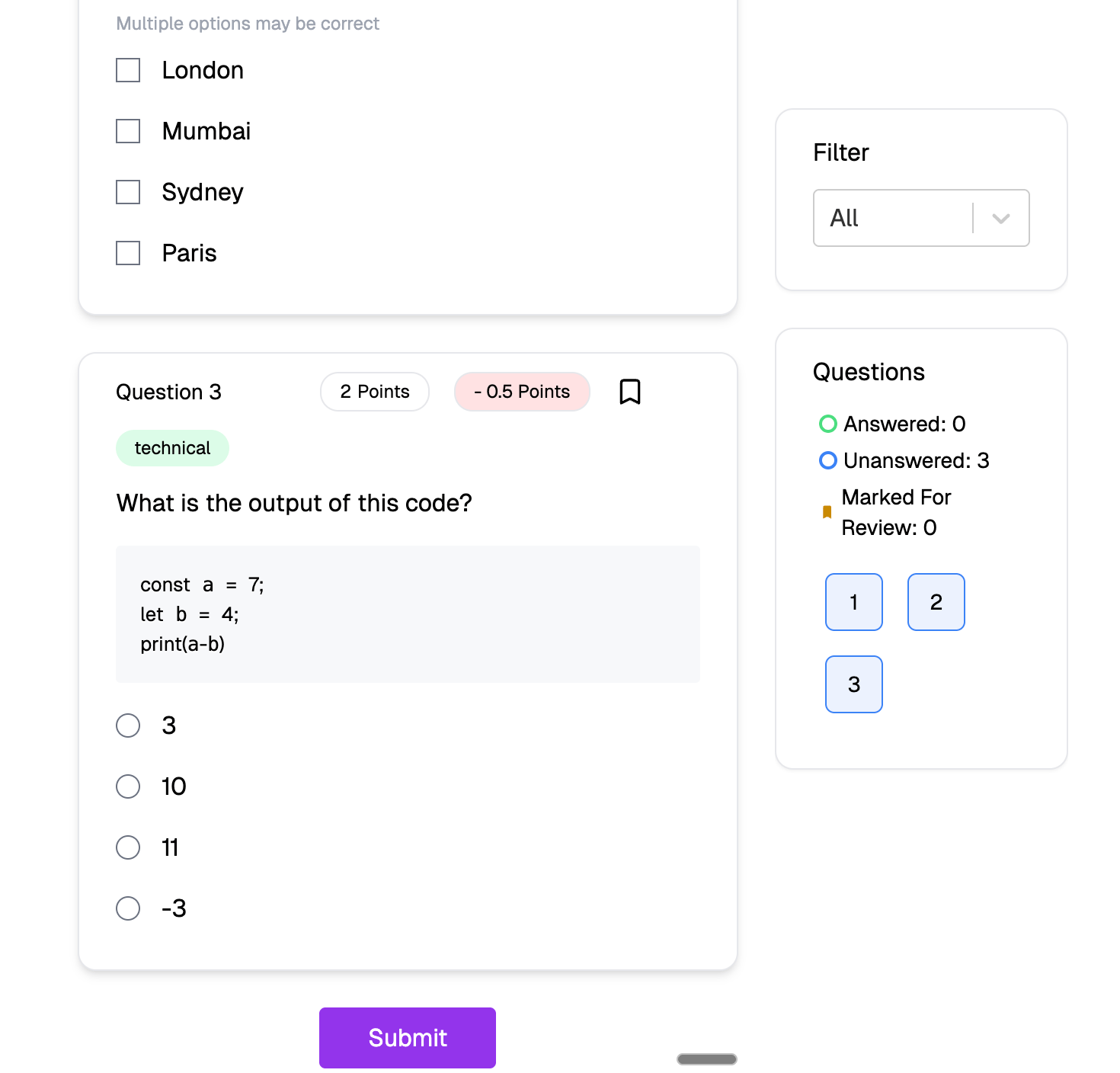
Socratease: single submit button
Socratease Quizzes are available on all plans, including the free trial. See Why Socratease? for more benefits.
Comparison
Related Resources
- Proctored Test Instructions - Full guide for proctored tests
- Timed Test Instructions - Full guide for timed tests
- Proctored Socratease Instructions - Simpler guide for Socratease
- Google Forms Response Not Visible - Troubleshoot missing submissions
- Why Socratease? - Benefits of using Socratease over Google Forms