

Why Socratease Quiz?
Key Advantages
1. Single Submit Button
Candidates click one submit button instead of two. This prevents answer loss from submission errors, a common issue with other platforms where candidates may submit the form but forget to submit the proctored test (or vice versa).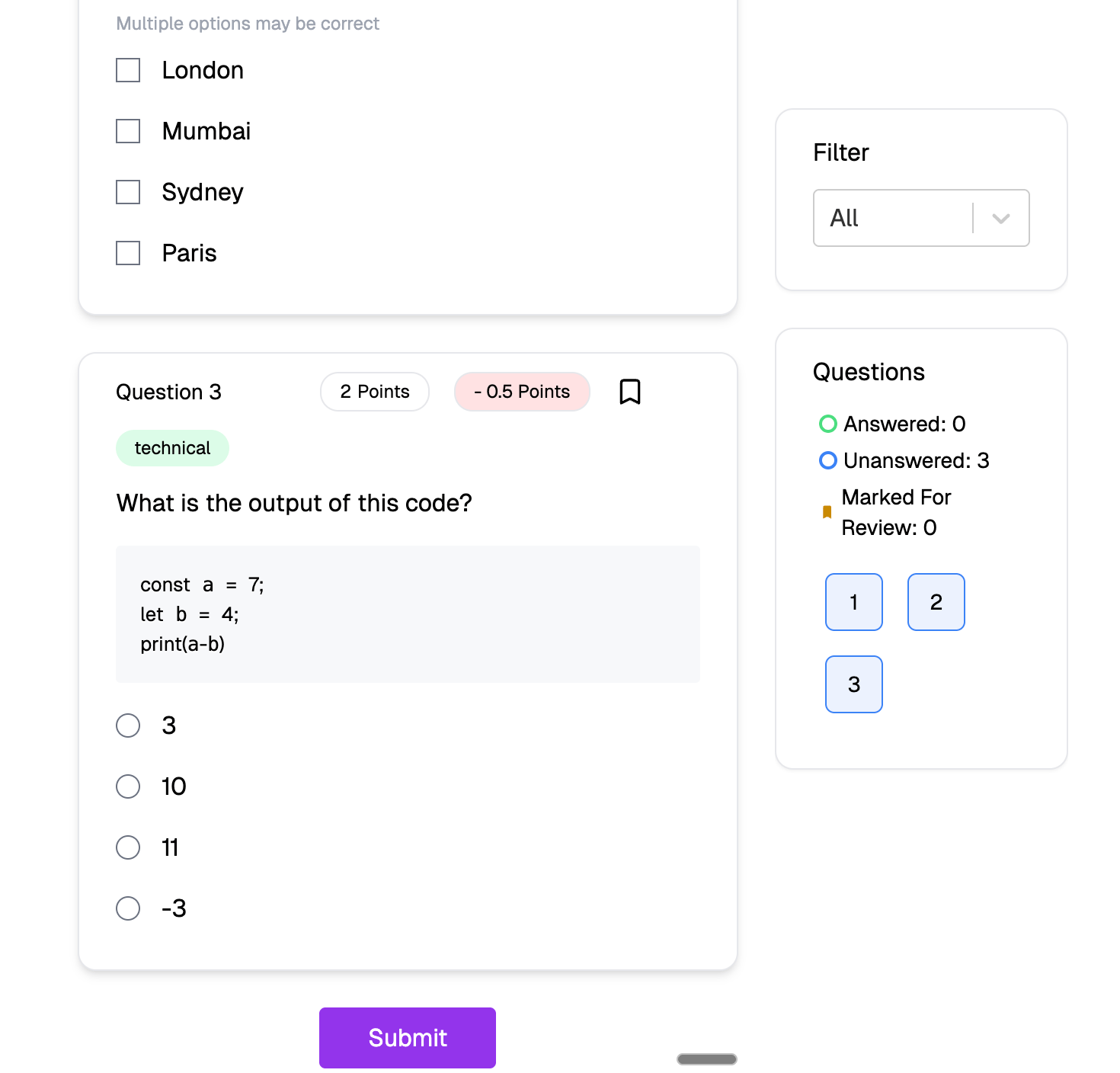
Socratease: single submit button
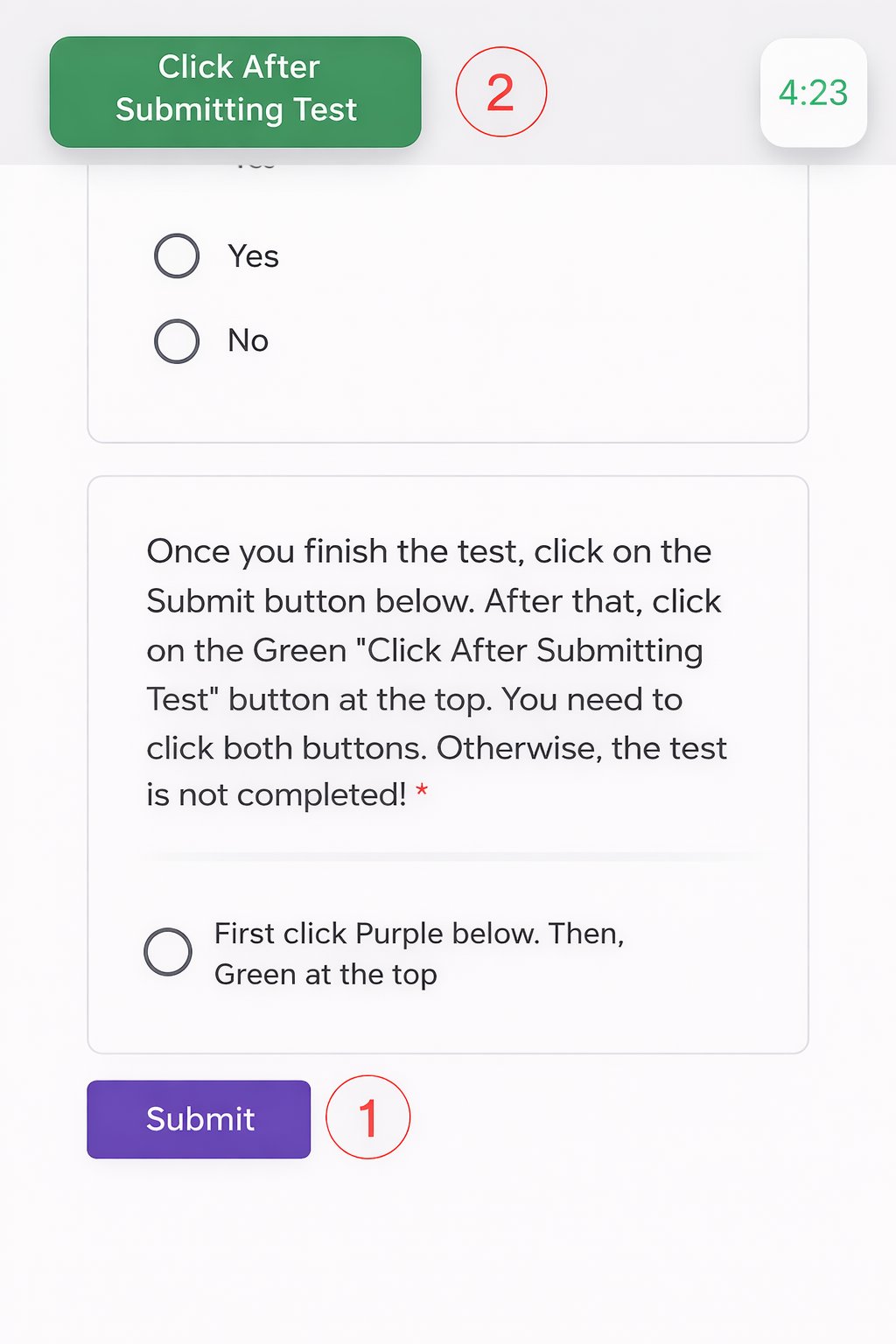
Other platforms: dual submit buttons
2. Multiple Question Types
Beyond standard multiple-choice and essays, Socratease supports:- Voice responses
- PDF-based questions
- Drag-and-drop matching exercises
- Cloze (fill-in-the-blank)
- Categorization
- Coding editor
- And more
3. Auto-Submit Test Protection
Unlike competing tools, when a test auto-submits due to time expiry, the answers are first submitted and then the test is closed. This preserves candidate responses even if time expires, ensuring no work is lost.4. Disable Copy-Paste
You can prevent candidates from copying questions or pasting answers, reducing their reliance on external sources like ChatGPT or other AI tools.Disabling copy-paste in Socratease quiz settings
5. Single Dashboard
All functions, including test creation, answer review, and proctoring reports, operate within AutoProctor’s unified interface. You do not need to switch between multiple tools or platforms.6. Formatting and Equations
Socratease supports:- Negative points for incorrect answers
- Markdown formatting for rich text in questions
- LaTeX for mathematical equations
- Question tagging for organizing and filtering results
7. Question Banks and Bulk Import
- Question Banks: Create large pools of questions and have candidates receive a random subset, making each test unique.
- Bulk Import: Import questions in bulk from Excel files, saving time when you have many questions to add.
Question Banks and Bulk Import are Elite plan features. See Elite Features for details.
Related Resources
- How to Create a Socratease Quiz - Step-by-step creation guide
- Question Types - All 14 available question formats
- Quiz Settings - Configure quiz behavior
- Quiz Providers - Compare Socratease with other quiz platforms
- Question Type Availability - Which question types are available on your plan