

How AutoProctor Tracks Internet Connectivity
AutoProctor monitors connectivity through continuous server pings sent from the candidate’s browser at regular intervals (approximately every 5 seconds). When pings are missing, the system infers that the candidate lost connectivity. Example: If pings failed at 11:00:30, 11:00:35, and 11:00:40 but resumed at 11:00:45, the report would indicate an offline period of approximately 10 seconds, from 11:00:30 to 11:00:40.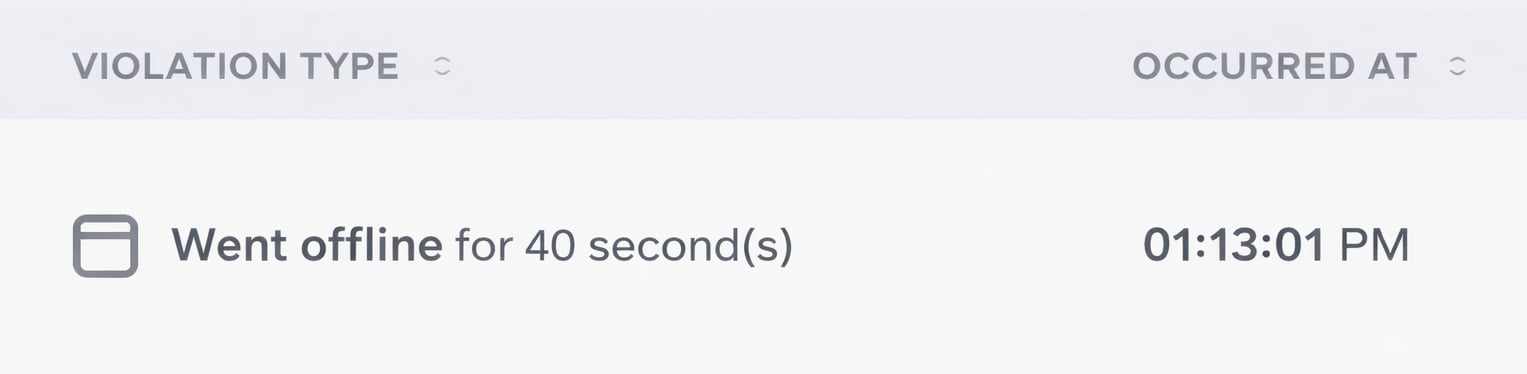
Went offline entry shown in a proctoring report
Frequently Asked Questions
Can candidates answer questions while offline?
Can candidates answer questions while offline?
Yes. All questions are loaded before the test begins, so candidates can continue answering questions without an active internet connection. Connectivity is only required when loading new questions (if presented sequentially) or when submitting the test.
How does proctoring continue when the candidate is offline?
How does proctoring continue when the candidate is offline?
All violation-detection code is downloaded before the test starts. This enables AutoProctor to continue monitoring for violations (such as tab switches and face detection) even when the candidate is disconnected from the internet.
Does going offline prove cheating?
Does going offline prove cheating?
No. An offline status only confirms that the candidate lost internet connectivity. It does not indicate the reason. It could be an intentional disconnection or a genuine technical issue. Distinguishing between the two requires your judgment when reviewing the full report.
Related Resources
- Understanding Trust Score - How Trust Scores are calculated
- What Gets Tracked - All events AutoProctor monitors
- Proctoring Results - How to review proctoring reports
- Test is Slow and Laggy - Performance issues that may relate to connectivity
- Device Compatibility - Check supported browsers and devices
- Contact Us - Reach out if you need further help