

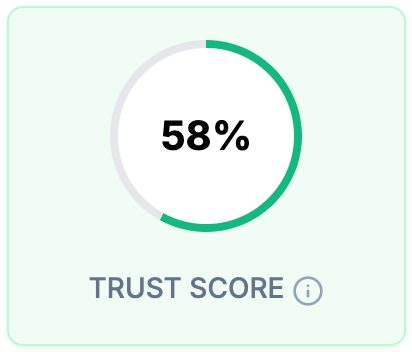
How the Trust Score Is Calculated
AutoProctor monitors the camera, microphone and screen, depending on your proctoring settings. It scores violations on three factors:What Is a Good Trust Score?
As a general guideline, review the evidence for any candidate with a Trust Score below 85%. This threshold is meant for review, not as proof of misconduct.Environmental factors can lower the score without any cheating. A candidate in a noisy room near traffic could score 0%, because the microphone cannot always tell speech from background sound.
How to Review a Trust Score
1
Open your test results
Go to your Tests page and click Results next to the test.
2
Identify candidates for review
Click the Trust score column header to sort the table, and focus on candidates scoring below 85%. The Trust score filter above the table shows only attempts below a percentage you choose.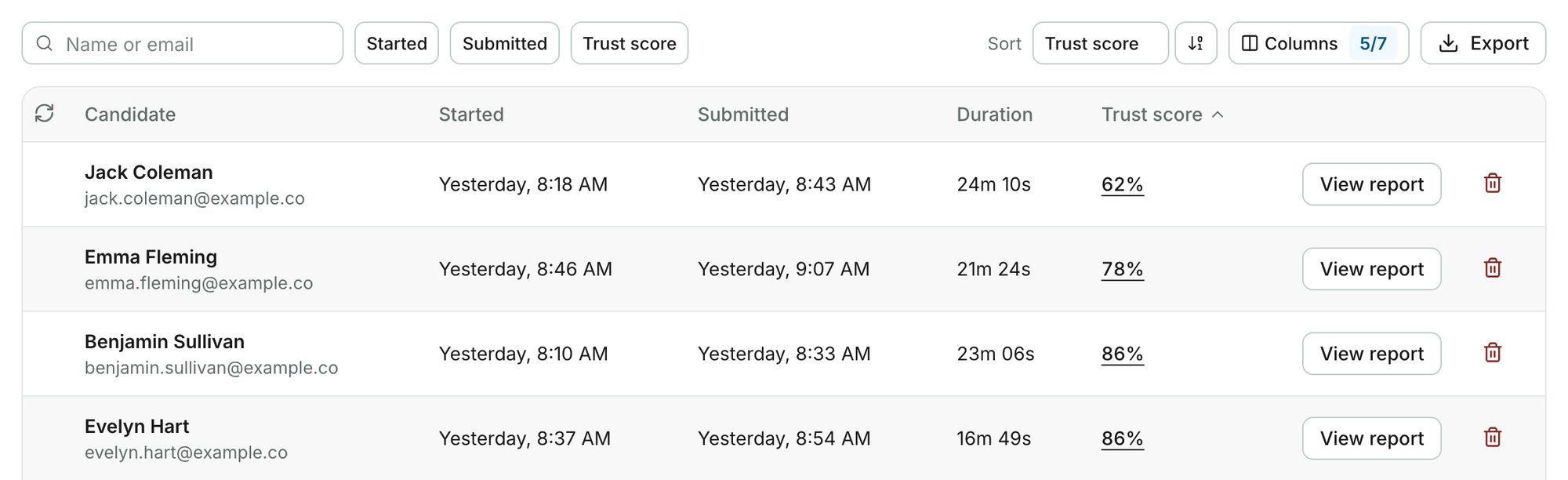
3
Review the violation evidence
Click View report on a candidate’s row to see the flagged photos, screenshots and audio clips. Use them to decide whether the violations are misconduct or false positives.
A Trust score of Pending means the attempt is submitted and its score is still being calculated. A dash means the attempt is not submitted yet, or it was not proctored.
Related Resources
- What Gets Tracked - All monitoring capabilities available
- Proctoring Results - How to view violation evidence and reports
- Access Answers and Candidate Responses - Reviewing a single candidate’s report in detail
- No Face or Multiple Faces Detected - Why face detection may flag false positives
- False App Switch Violation - Understanding false violation flags
- Best Practices for Test Creators - Tips for running effective proctored tests